Introduction
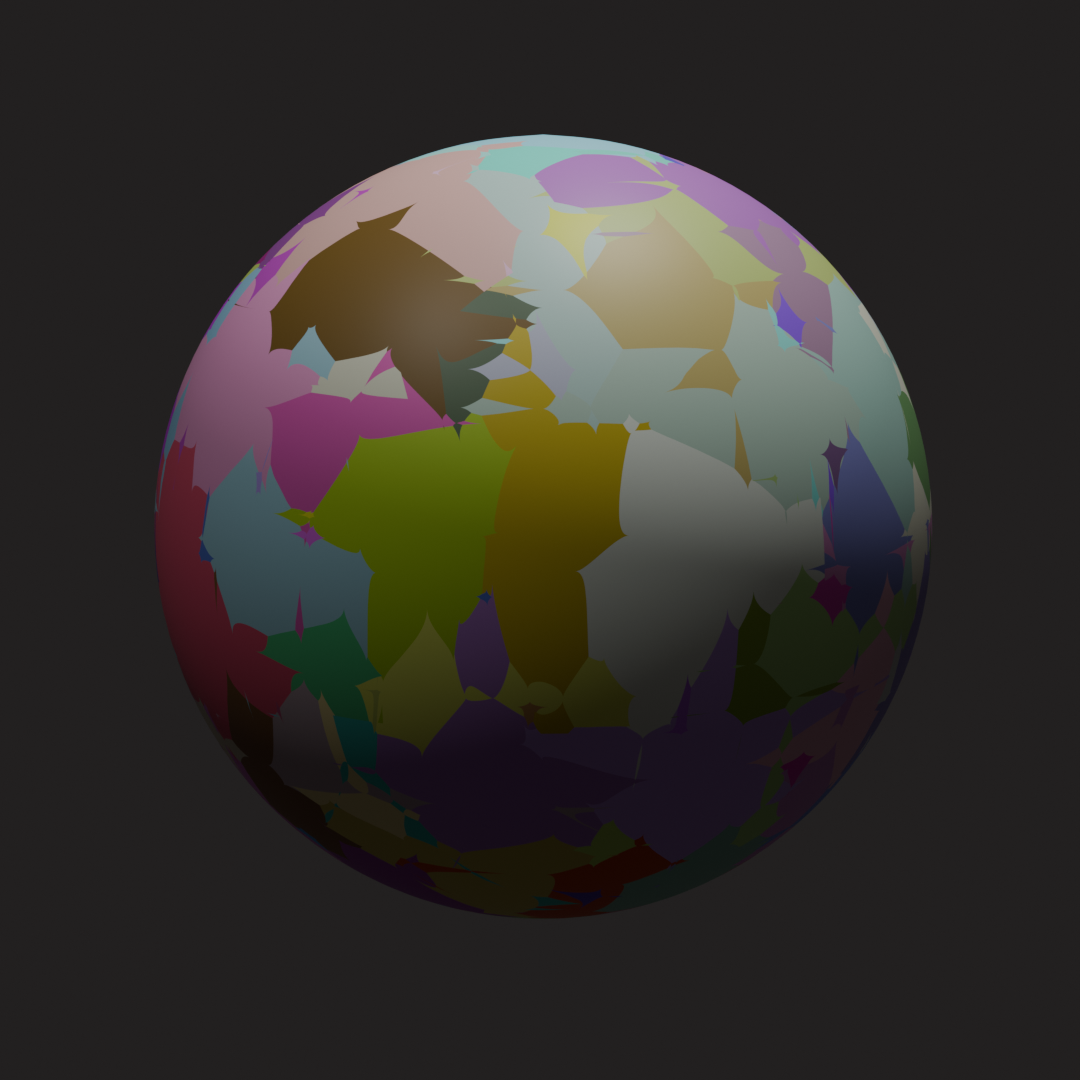
Sometimes artists need to render multiple materials. Doing this manually will take a lot of time, which is why I made this tool. It automates the process and gives consistent outputs, and is easily customizable.
The Problem
Manually switching materials and doing each render is tedious. You would have to manually set everything up (which costs time) and it is easy to accidentally mess up and end up with an inconsistent outcome.
What It Does
It renders every single material from .blend files inside of “input/” and exports them to “output/” in PNG format.
The scene at the root of the folder is also completely customizable, you can open it in Blender and adjust everything yourself, even the default mesh (keep in mind to only have 1 object mesh, as the script only looks for one).
If customized and saved, it will render exactly as you set it.
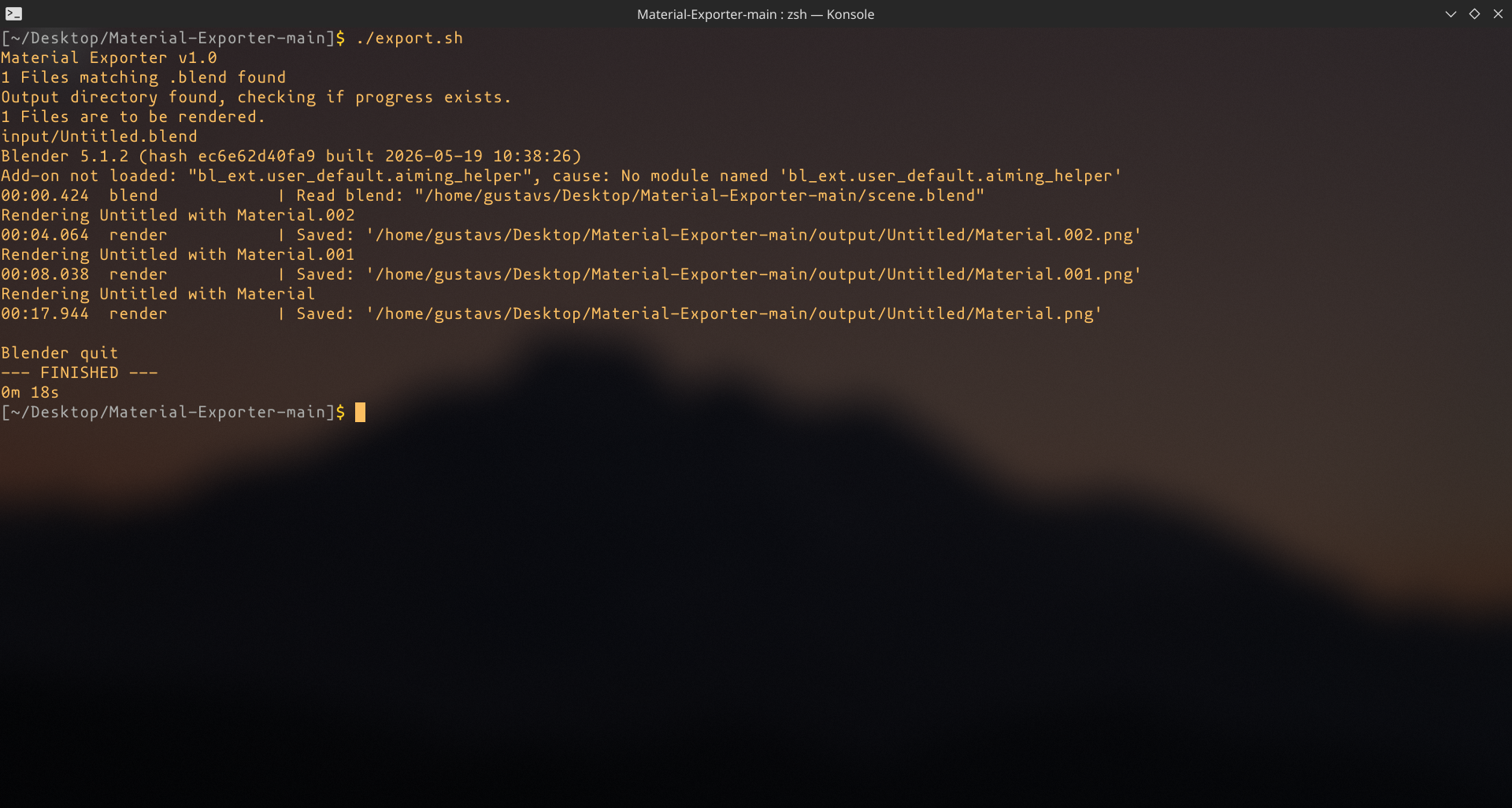
When .blend files are put in “input/”, just run ./export.sh from the directory and it will start rendering.
If you get stuck, try to delete the “output/” folder.
How It Works
It works by combination of Bash scripting and bpy. Iterating through “inputs/” and even checking if “outputs/” has already rendered files to skip those and save time. Then eventually iterating through all the gathered materials inside of Blender and rendering each one.
What I learned
This was my first time dealing with Bash as before that I only had experience with Posix Sh, I really wanted to make something involving Bash so I figured out a problem, and made a solution to this.